
Time To Go: Smart Event Countdown App
Time To Go, aka TTG, is a simple but smart event countdown app that helps you keep track and count the time remaining for any date or event you set. Create simple, reliable event countdowns in seconds. TTG helps you track time left for birthdays, exams, launches, anniversaries and more — all with a clean, private and lightweight app.

Lightweight • No account required • Events stored locally
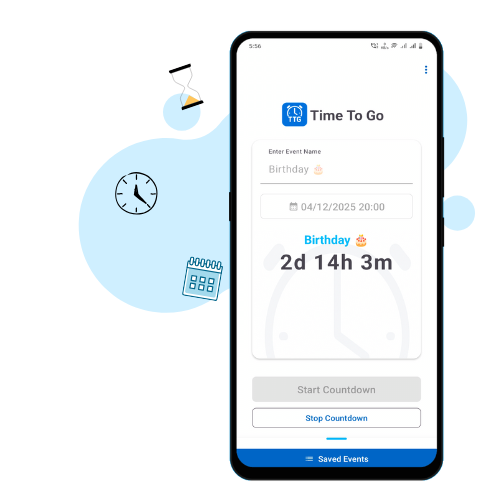
Top Features of the Time To Go app
Fast Setup: Create your first countdown in under 10 seconds — quick labels, icons, and reminders.

Easy to Use: It’s very easy to use, with no clutter, no distractions. Just focus on what matters.
Multiple Countdown: Create multiple countdowns for multiple events and track them all.

Privacy-first: No account required — your events are stored only on your device.
Screenshots
Why TTG?
TTG — Time To Go is built for people who want a distraction-free, dependable countdown app that respects privacy and battery life. Unlike feature-heavy alternatives, TTG focuses on delivering the essential tooling: fast event creation, clear countdown displays, and easy sharing. Whether you’re tracking an important launch or counting down to a personal milestone, TTG keeps the focus on time — not on ads.
- Small-sized app.
- Modern and beautiful UI.
- Clutter and bloat-free.
- No account needed.
- No Internet needed.
How to use TTG – Quick setup
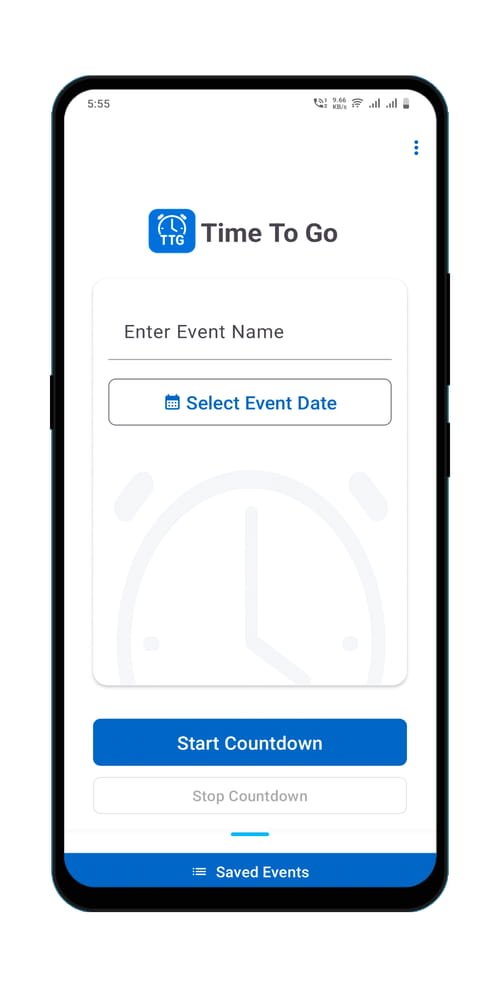
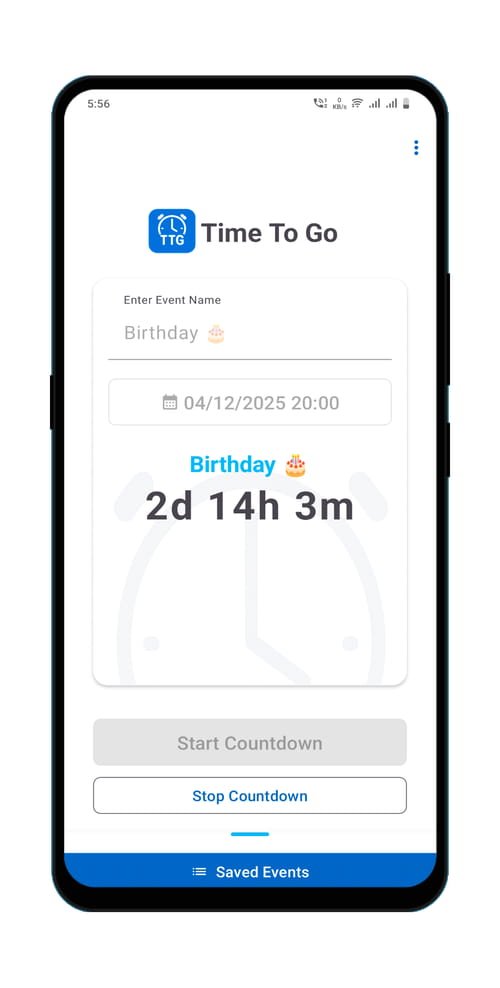
- Open TTG and enter the event name, date and time.
- Click on the Start Countdown button, and your countdown will start.
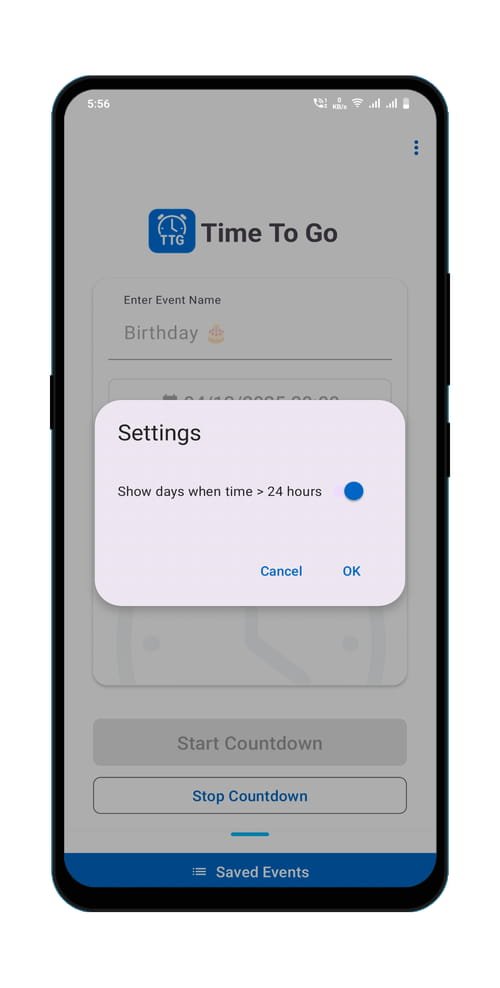
- Go to settings and choose your preferred time format.
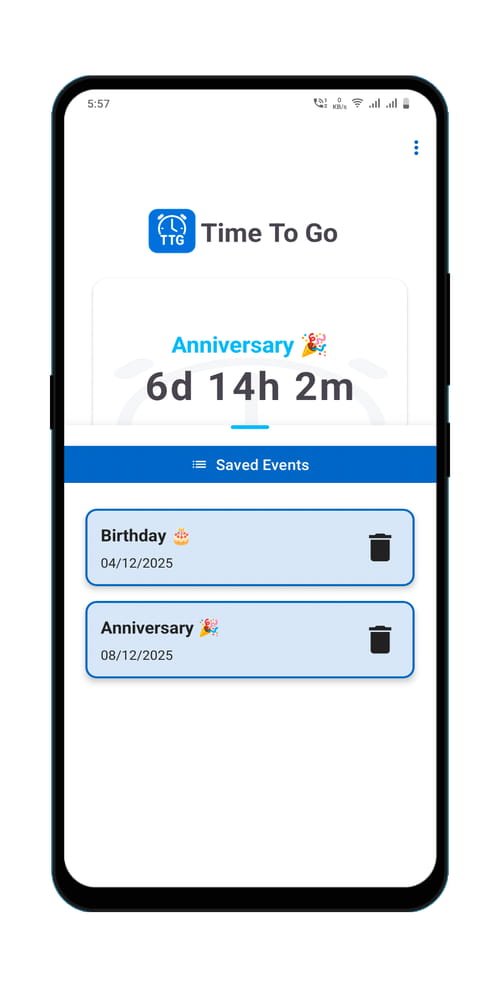
- Open saved events from the bottom.
- Tap the countdown to open it on the screen.
Changelog & Version history
TTG v1.2.1 (2 Dec 2025)
- Some small visual enhancement.
TTG v1.2.0 (12 Jul 2025)
- Target SDK updated to Android 15 (API 35).
- Edge-to-edge UI support across all devices.
- New app icon and improved countdown display.
- UI polish and performance tweaks.
TTG v1.0.9 (1 Jul 2025)
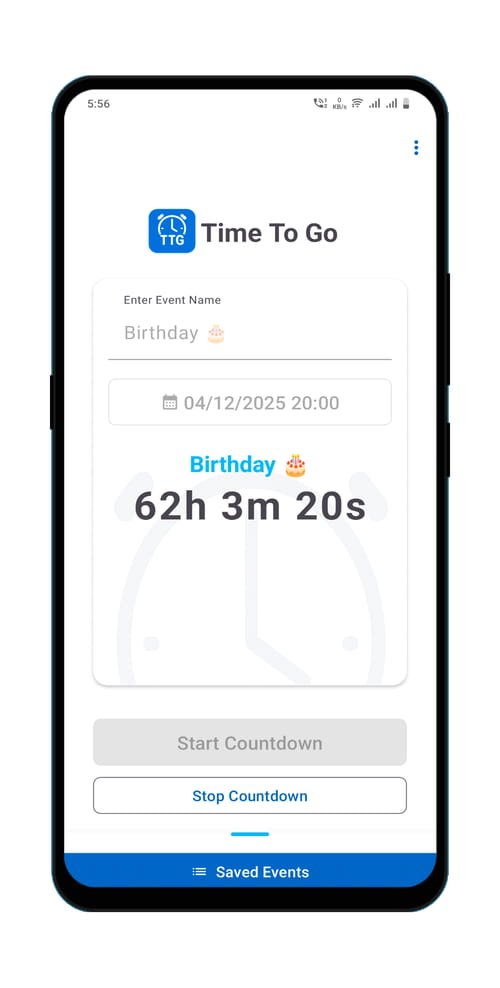
- Added Day-Hours-Minutes format for timer display.
- It will be the default display format.
- To change back to Hours-Minutes-Seconds, go to settings and turn it off.
Frequently asked questions:
Q1: Does TTG require an internet connection?
No. TTG stores count down locally and work offline.
Q2: Is TTG free?
Yes — TTG is free with optional in-app upgrades (if any). We aim to keep it lightweight and accessible.
Q3: Can I create multiple countdown events?
A3: Yes, you can create multiple countdowns.
Q4: Does the app collect personal data?
A4: No personal data is collected. Minimal crash logs (anonymised) may be sent for debugging.
Q5: Where can I report bugs or suggest features?
A5: Use the Support page: /support or email hello@cbcdev.com.
Q6: Can I back up my events?
A6: Currently, events are stored locally. Backup/export is planned for a future update.
Time To Go app support
If you need any help using our Time To Go countdown timer app or you have any feature requests, Ideas or suggestions, please go to the support page and contact us.